Events
that organize themselves.
From the first entry in the calendar to the evaluation after the party. With reservations, guest lists and raffles from a back office.
What you get.
Event list & calendar
Create, copy, archive or set up from a template. Filter by club and label. Drag and drop in the calendar. Flyers automatically optimized in multiple formats.
Recurring events
Every Thursday. First Friday of the month. Until the end of summer. You describe the rule, Nighthub creates the appointments. Permanent lists follow automatically.
Reservations & Lounges
Visual seating plan with drag-and-drop. Create tables and lounges and place reservations on them. Confirmations by email with reminder. Lounges can be booked through the WhatsApp concierge heyteo if you want.
Guest lists
Permanent lists, promoter lists with their own link, direct customer lists with newsletter registration. Everything can be managed separately.
Raffles
Competition pages with data protection box, newsletter registration and winner workflow. One click – the email to the winners is sent out.
Notes & To-Do Lists
Event-level notes and to-do lists for employees — with automatic reminders so nothing is forgotten.
Set it up right once, reuse it every time.
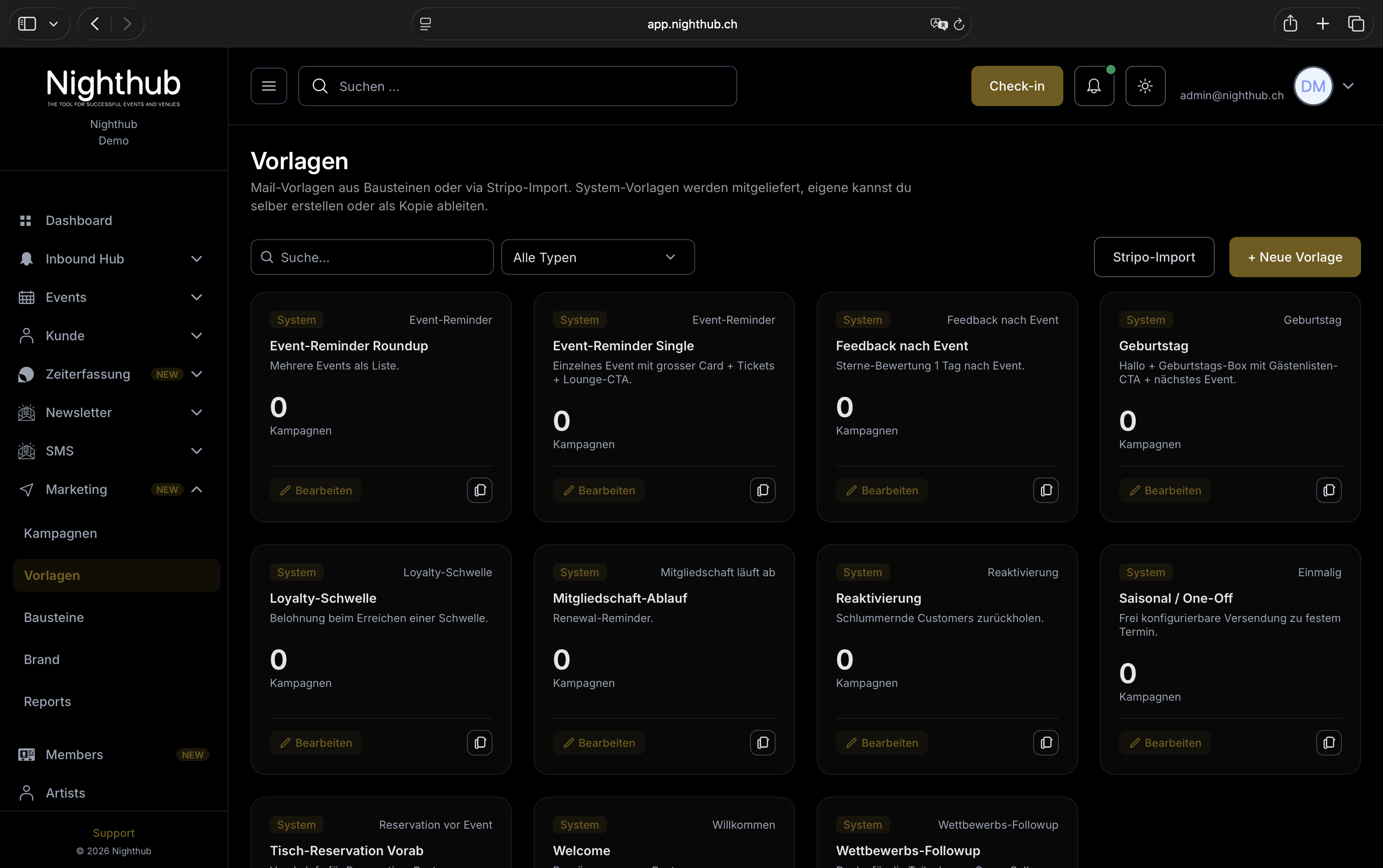
Save a past or current event as a template and set up the next one in seconds: pick the template, set the date, done. You decide per building block what comes along — basics, visibility, flyers, artists or the complete ticketing with categories and prices.
- →Turn any event into a template with one click, or build templates directly in the editor
- →Sales windows and publication relative to the event date — the template recalculates them for every date
- →Ticket categories with prices, quotas and early-bird deadlines included
- →Nothing is mandatory: templates for one club or for all, refreshable from an event at any time
- →Works for series too — every date gets its own ticket categories
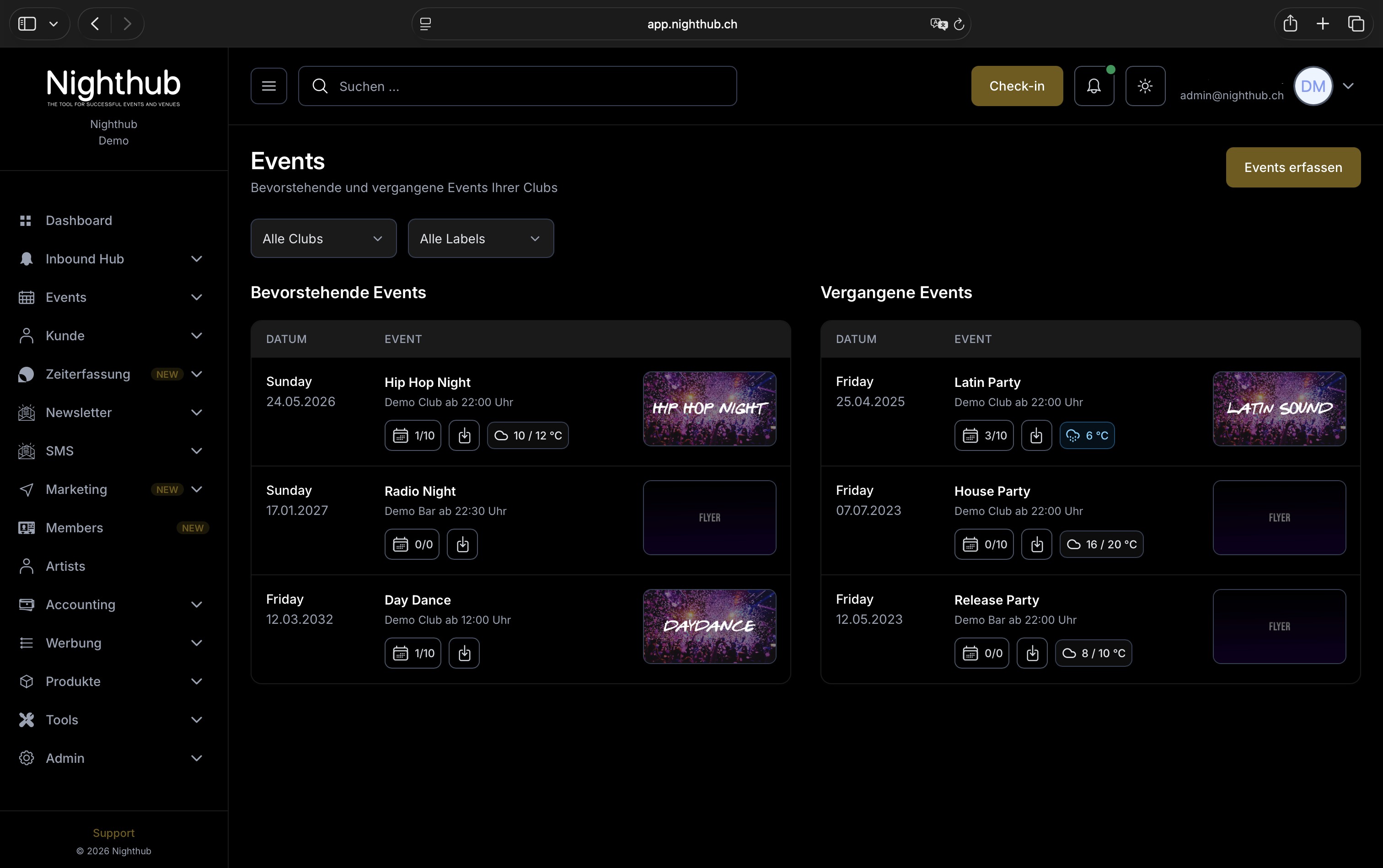
Invest once, plan a whole summer.
You create your event, select “every second Friday” and immediately see the preview of all dates. Permanent guest lists, regular ticket categories and standard prices automatically follow suit.
- →Days of the week, days of the month or position in the month (first Friday, last Saturday)
- →Extend or shorten an existing series without losing data
- →Bulk editing for safe fields.
- →Permanent lists are transferred automatically
Weather is not small talk in the event business.
The weather is continually updated and saved on the day of the event. This way you can see the progress - and evaluate it later with the number of visitors.
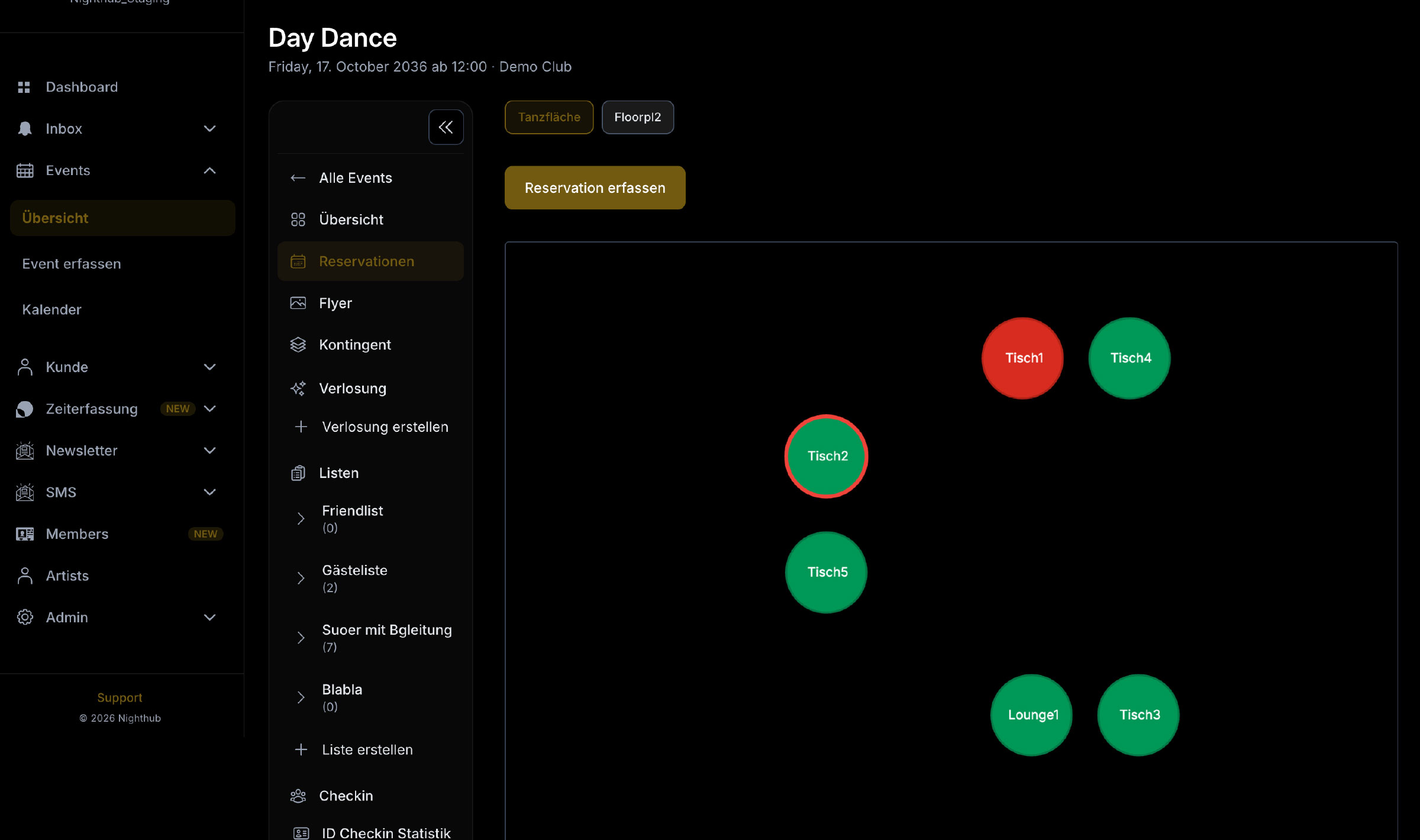
Lounge bookings from WhatsApp. Straight into your floor plan.
heyteo is a concierge that takes booking requests over WhatsApp automatically — around the clock, without anyone on your team picking up the phone. Nighthub is fully integrated with heyteo: the guest messages the concierge, heyteo checks your free lounges and the reservation lands directly in the floor plan of the right event, with the guest in your customer base. Which lounges heyteo may book, whether bookings are confirmed immediately and whether guests can cancel through the concierge is up to you in your Nighthub settings.
More about heyteoWhat else is included.
- →Event templates with selectable building blocks — save, apply, manage
- →AI event descriptions via OpenAI (optional)
- →Promoters and artists can be managed per event
- →To-do list per event for event organisation with reminder
- →Reschedule event with automatic wallet update
- →Cancel event with ticket cancellation and refund
- →Analytics dashboard per event, with buyer demographics and comparison to previous events
- →heyteo interface: lounge bookings and cancellations from the WhatsApp concierge, controlled through your admin settings